Build a return-window reminder from the receipts you already save
Use AI to organise purchase evidence while letting verified dates and ordinary rules drive reminders.
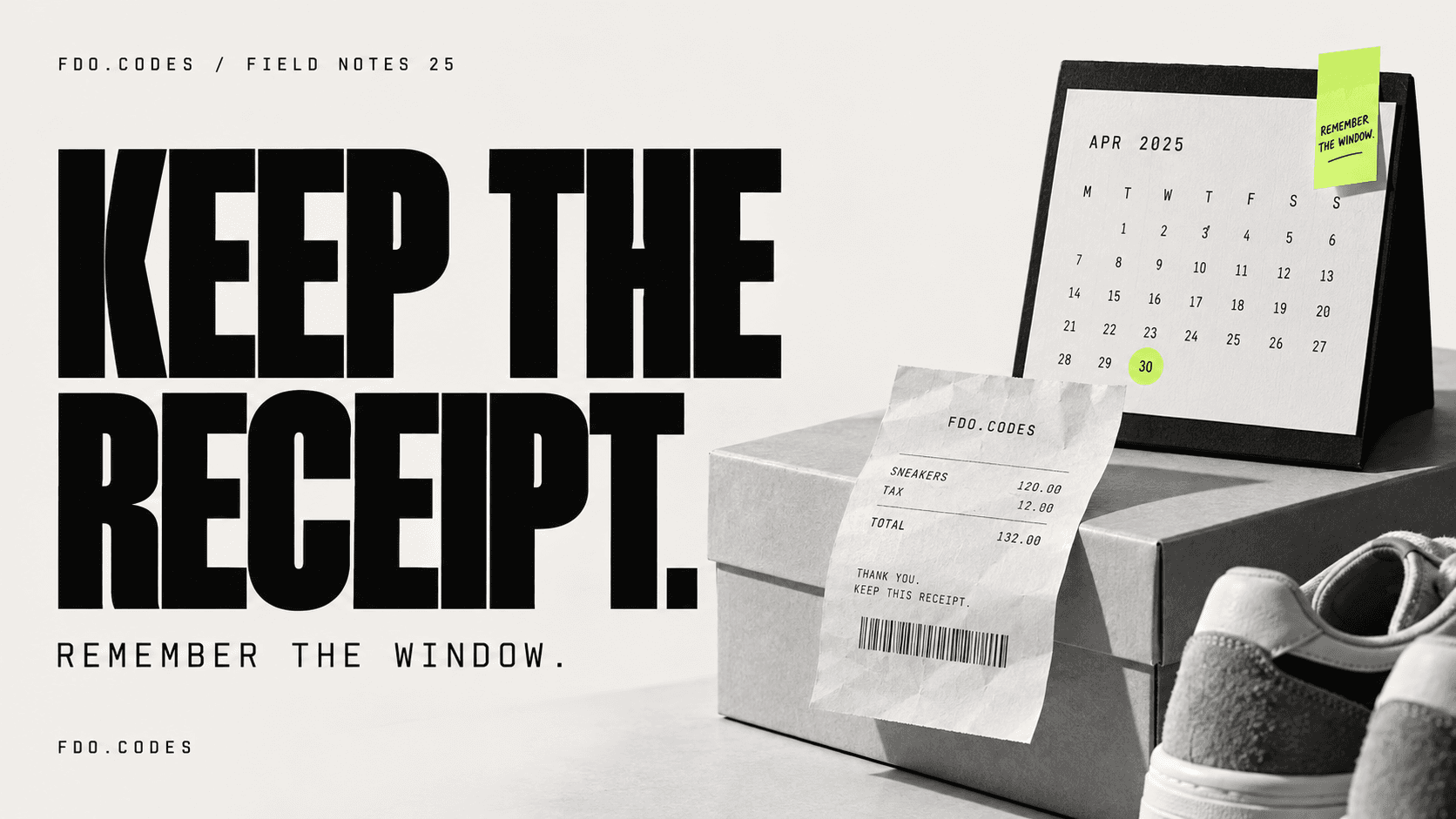
The problem with a purchase is rarely remembering that you bought it. It is remembering where the receipt went, which policy applied and when you meant to make a decision about keeping it.
AI can help organise that evidence. The useful automation is a receipt inbox with a reminder, rather than a model guessing your rights or a retailer’s policy.
Create a small evidence folder
Start with three receipts for ordinary purchases. Add the policy or confirmation that actually applies to each purchase, if available. Remove payment details and anything the workflow does not need.
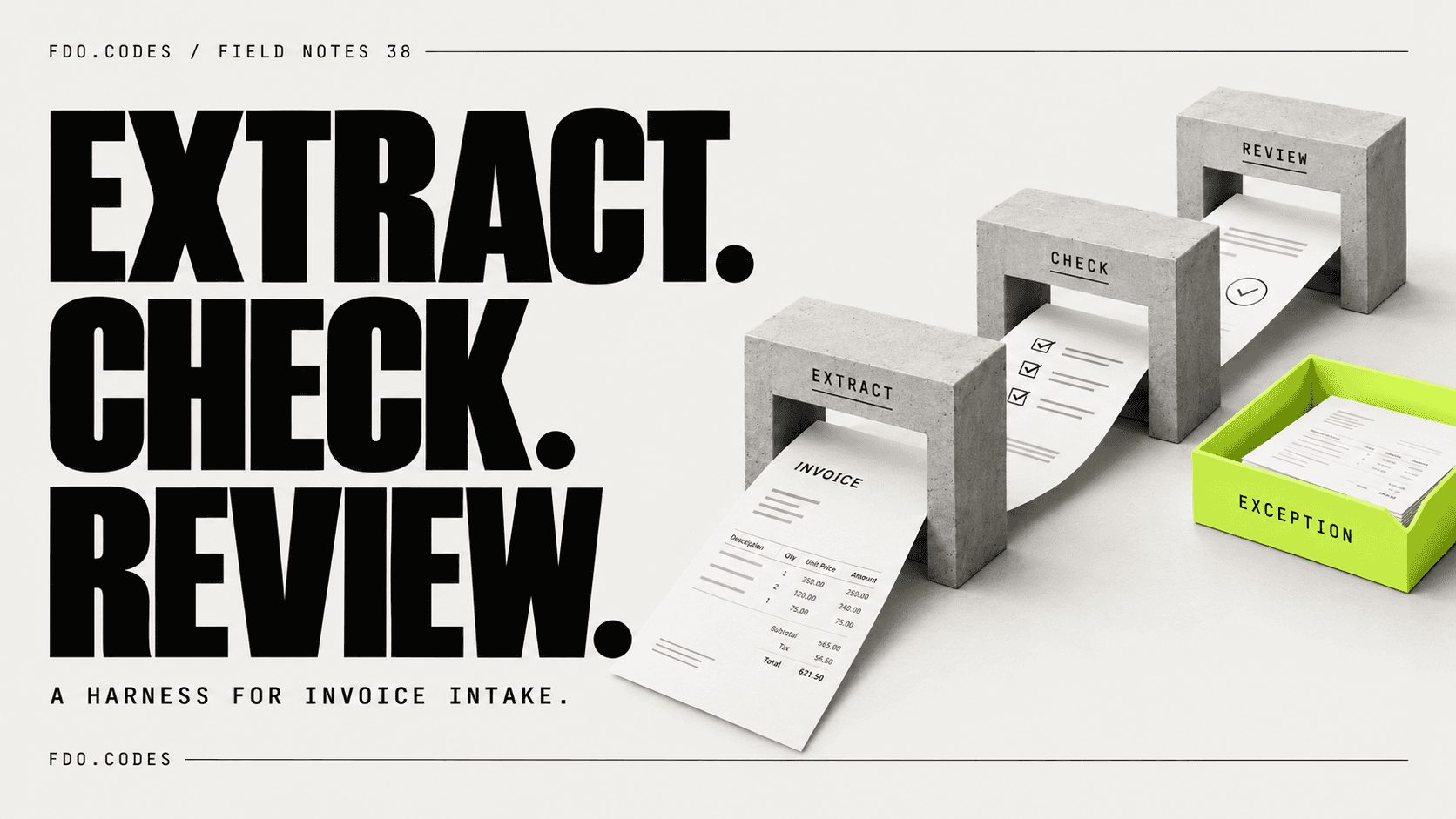
Ask the model to extract the retailer, item, purchase date, order reference and any return-window wording present in the supplied material. Require a source reference for each field. An absent deadline should remain absent.
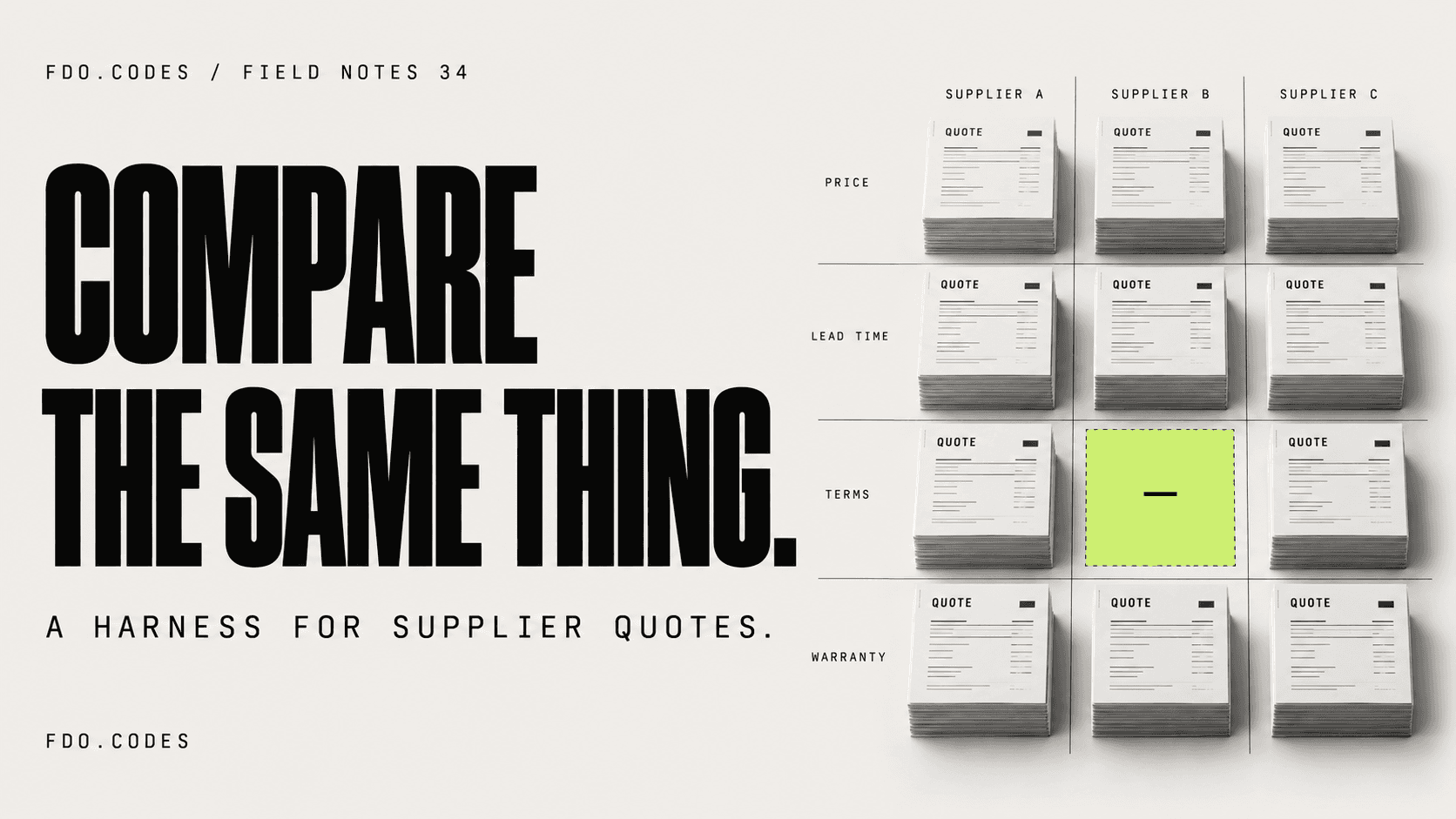
A phrase such as “returns within 30 days” may leave important questions unresolved: 30 days from purchase or delivery, and are there exceptions? Put those questions in a review column. Do not let the model turn incomplete wording into a precise date.
Let rules handle the reminder
After you verify the relevant date, use a spreadsheet formula or calendar rule to create a reminder a few days earlier. That arithmetic does not need a language model. Keep the original source attached so you can check conditions when the reminder arrives.
A folder-triggered workflow can extract receipt fields into a sheet and send uncertain entries to a review list. Use the order reference to detect duplicates before creating reminders. A forwarded confirmation and a downloaded PDF may describe the same purchase.
This is a personal organisation aid. Consumer rights and retailer policies vary, so check the applicable terms rather than treating an AI output as legal advice.
Make the first version deliberately small
Use one folder, one table and one reminder calendar. Keep calendar writes behind approval until you trust the date handling. Test a receipt without a policy, two copies of the same receipt and a confirmation where the purchase and delivery dates differ.
The result you want is a useful reminder backed by evidence. A row that says “deadline needs checking” is better than a confident countdown based on a guess.
My practical rule is to use AI for reading messy inputs and ordinary software for counting days. That split often makes an everyday automation easier to understand and cheaper to run. Compare the review effort with your current habit before connecting a whole mailbox.