Turn a voice note into a decision you can actually use
Capture an idea once, then turn it into a small, reviewable action without inventing the missing details.
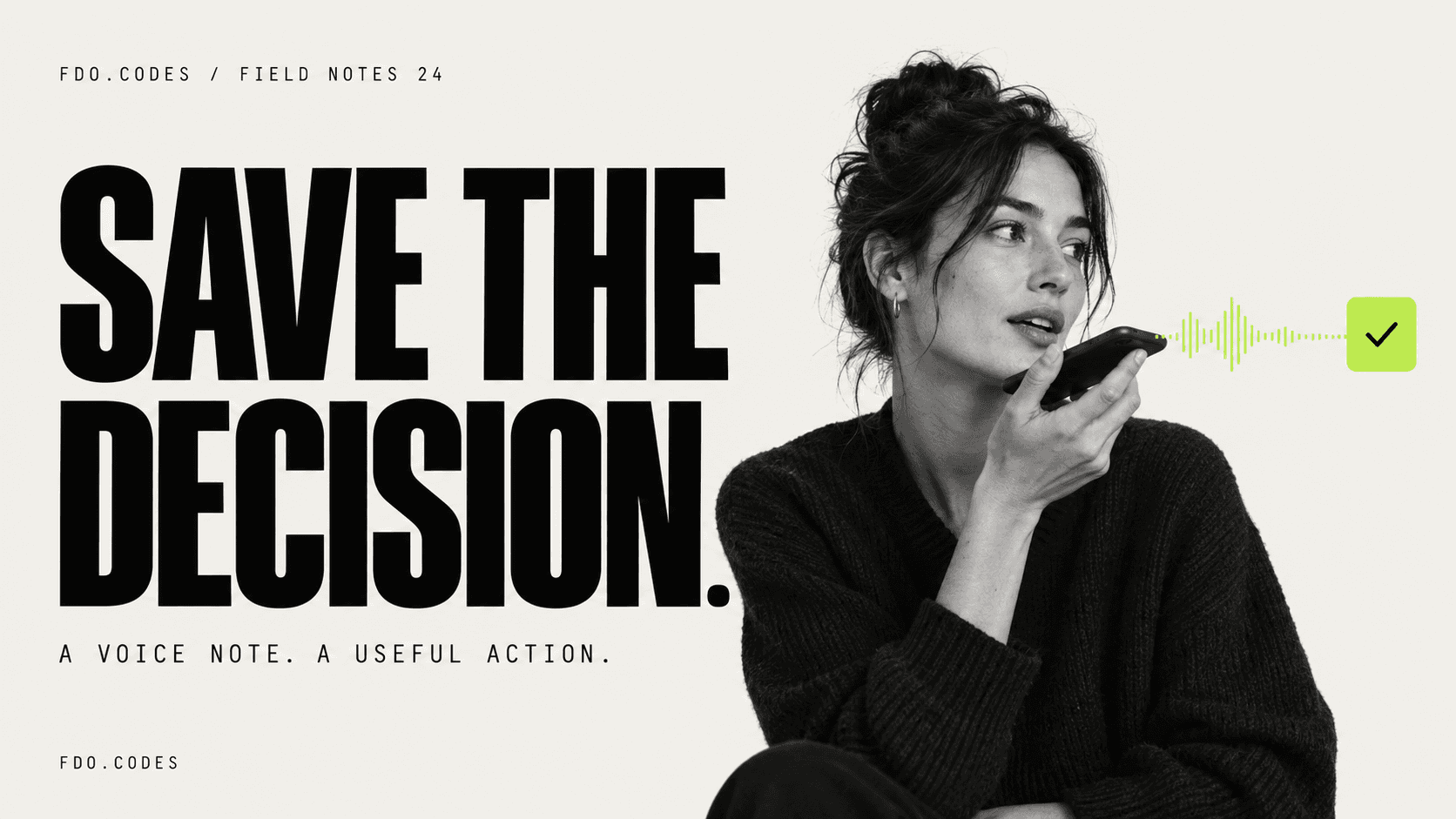
The useful part of a voice note is often buried in the middle. You remember a problem while walking, talk through three possibilities and finish with a decision. Later, the recording sits untouched because listening again feels like another task.
A small automation can make the note easier to use. The goal is to preserve the decision, the uncertainty and the next action in a form you can check quickly.
Try it with one recording
Record a short note about a low-stakes personal project. For example: “I could run the workshop on Tuesday, but I still need to check the room. Ask Sam about availability. Friday is the backup.” Use a transcription tool you already trust, then ask AI to produce four fields: decision, next action, unresolved question and supporting words from the transcript.
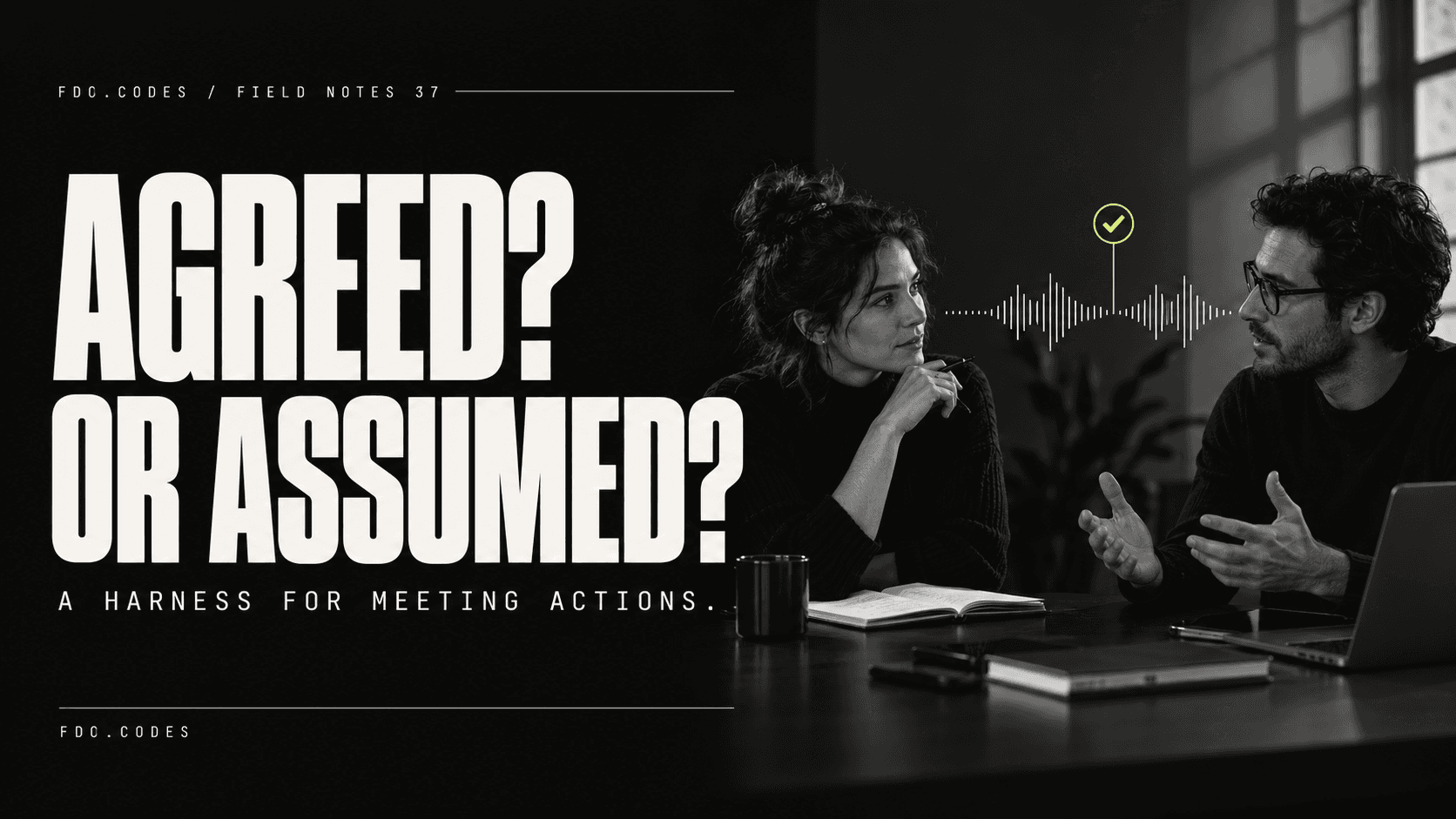
In this example, Tuesday is a proposal. It should not become a confirmed workshop date. The useful action is to ask about the room; the useful uncertainty is that the booking is unresolved.
Save that instruction as a reusable template. You should not have to re-explain the format every morning.
Make the trigger do the repetitive work
A practical visual workflow is: new recording in a dedicated folder → transcription → extraction into the four fields → review in a note or task inbox. Start with manual approval before anything reaches your calendar or someone else’s inbox. Depending on the apps you use, this can be assembled with existing connectors; check recording access and transcription support before choosing the builder.
Keep the original recording or transcript linked to the result. If the model turns “might” into “will”, the evidence is one click away. When no action was agreed, the right output is “no agreed action”, not a task manufactured to fill the box.
Test the awkward notes
Try a recording with two names, a date you correct halfway through and a thought you explicitly reject. Does the result preserve those distinctions? If it fails, improve the template or review step before adding more automation.
For a first trial, compare five notes processed this way with five you organise manually. Measure the time spent capturing, reviewing and correcting them. A polished summary that takes longer to fix is not a useful saving.
I would start here because it connects AI to a real moment of friction. One small capture habit becomes a dependable place to pick up your own thinking. Keep other people’s confidential information out of a personal trial, and use an approved workspace for work recordings.
This is an illustrative workflow recipe, not a claim that a particular app provides every step out of the box.